
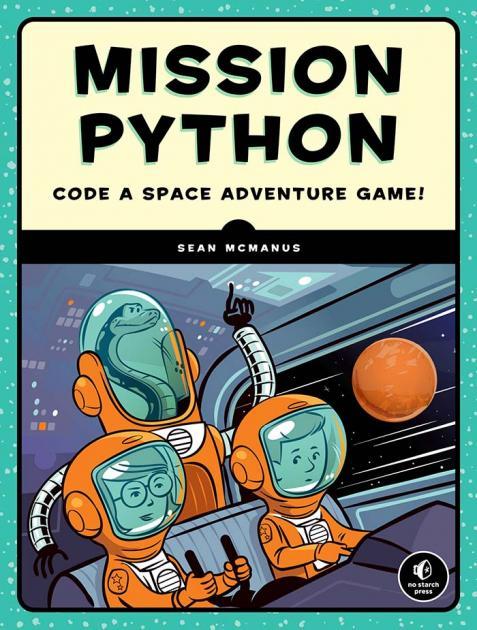
A few years ago, I published steps for installing Python and Pygame Zero on an Intel‑based MacBook so readers could follow along with Sean McManus’s Mission Python: Code a Space Adventure Game.
I recently repeated the setup on a MacBook Air (M1, Tahoe 26.2), so here are the updated instructions.
Install Python 3.14.2
- Download Python 3.14.2 – https://www.python.org/downloads/macos/
- Run the installer and follow the prompts.
- Open Terminal (Cmd+Space – “Terminal” – Enter).
- Verify the installation:
which python3
Expected output:
/Library/Frameworks/Python.framework/Versions/3.14/bin/python3
Verify or Update pip3
pip3 (25.3) is installed automatically with Python 3.14.2, but it’s good practice to update it.
Upgrade pip:
pip3 install --upgrade pip
Check the version:
pip3 --version
Expected output:
pip 25.3 from /Library/Frameworks/Python.framework/Versions/3.14/lib/python3.14/site-packages/pip (python 3.14)
Install Pygame Zero
Run:
pip3 install pgzero
Expected output:
Successfully installed numpy-2.4.0 pgzero-1.2.1 pygame-2.6.1
Test Mission Python
- Download the Mission Python code: https://www.sean.co.uk/books/mission-python/index.shtm
- Unzip the file.
- Navigate to the escape folder (assuming it’s in Downloads):
cd Downloadscd escape
- Run the game:
pgzrun escape.py
The game should launch, and you’re ready to begin your Mission Python adventure.
Field Notes
I recommend installing Python directly from python.org rather than via Homebrew. In earlier tests, Pygame installed through Homebrew caused several issues — the “old school” installer has consistently been more reliable.
This post was written with ❤️ and ☕️
 The Reboot Diaries